AI Product Photos: Separate a Styled Listing Image from Product Proof
PhotosLux ·
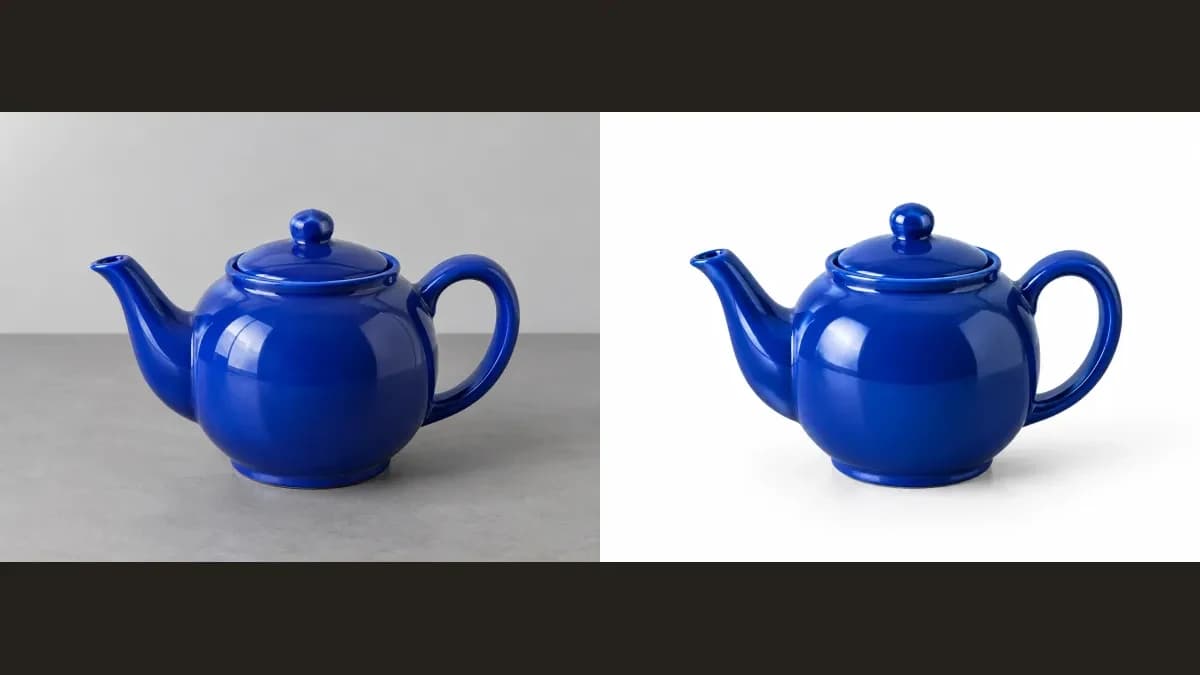
You can use an AI-styled product background as an illustrative overview only after checking it against the actual product; it is not proof of product details. Keep genuine photographs for features buyers need to inspect, and reject a generated image if it changes those features or implies that an unlisted accessory is included.
Give the overview and detail photos different jobs
A styled product photo can present an item in a clean scene, but a polished image does not establish what the physical product looks like. Treat it as an illustrative overview only after comparing the visible product with your actual item. Use genuine photos of that item for details a buyer may rely on, such as a label, opening, fastener, finish, or included parts.
Before publishing, ask two separate questions: Does the styled image create a useful impression of the item? And do the genuine photos show the real features and included components clearly? If a generated image is the only picture showing an important detail, do not use it as proof of that detail.
Three keep-or-reject decisions
Keep as a candidate overview: The requested white background and soft shadow change the scene, while the reviewed teapot still appears to have a rounded body, left-facing curved spout, right-side loop handle, and fitted lid. If these features look consistent with the actual item, the result may work as an illustrative overview. Pair it with a genuine close-up; do not use the overview to establish exact glaze, color, material, or capacity.
Reject as evidence if a feature changes: Suppose the generated image alters lettering on a label, changes the functional shape of a spout, or adds a feature the actual item lacks. These are hypothetical review cases, not defects observed in the example. Reject the altered image as product evidence and use a genuine photo of the feature instead. A plausible-looking detail is still not confirmation.
Reject a misleading accessory impression: Suppose a matching cup or extra part appears beside the item, making the image look like a supplied set. This is also a hypothetical case. Do not publish that impression as a product view; request a prop-free scene, review the new result, and show actual included components in genuine photos.
A filled two-image role plan
Image A, styled overview: The fictional cobalt-blue teapot on the requested white studio background and surface, with one soft grounding shadow and no props. Role: illustrative presentation, after comparing the visible shape with the actual item. It is not proof of exact glaze, color, material, capacity, or hidden features.
Image B, genuine detail photo: A separately taken close-up of your own actual teapot’s lid, spout, or markings. Role: show the real visible detail clearly. This is a publishing plan, not a photo supplied by PhotosLux or a completed listing. If a detail matters and you do not have a clear genuine photo, take one rather than relying on a generated version.
What to inspect on the actual item
Compare the generated result with the source and the physical product. Check the silhouette and proportions, the spout opening and direction, the handle loop, the lid edge and knob, the body and base, and any visible markings. Reject changes that would give a buyer a different impression of a feature or of what is included.
Background and lighting can affect apparent color. Do not treat the result as proof of the item’s exact true color, material, or other facts that cannot be established from the image. When a feature is unclear, use a genuine close-up; making an uncertain detail look plausible does not make it evidence.
Using Product Photo for a scene change
In PhotosLux Product Photo, use one product image and choose the white studio scene. The example request is: “Clean white studio background and surface with one soft grounding shadow. No props.” Add separate preferences: “Keep the cobalt-blue teapot's body, left spout, right loop handle, fitted round lid and short lid knob recognizable. No cups, extra parts, writing or logos. Keep the camera view and full framing.” These are requests to inspect, not guarantees of exact preservation.
The workflow accepts JPEG, PNG, or WebP images up to 20 MB. Framing is automatic; this example does not use a second reference. Review the actual output before deciding whether it suits the illustrative role. One generated scene is not a controlled comparison, a genuine product close-up, or assurance that a marketplace will accept the image.
Illustrative example
Illustrative example: a white-studio teapot overview
The synthetic source shows one fictional, unbranded cobalt-blue teapot on a gray worktable, with a curved spout on the left, loop handle on the right, and fitted lid. Product Photo requests a clean white studio background and surface, one soft grounding shadow, and no props. The body, visible features, camera view, and framing are priorities to inspect, not guarantees. Both images are AI generated. This single scene transformation is not a real sale item, genuine detail photo, product proof, or marketplace approval; outcomes vary.
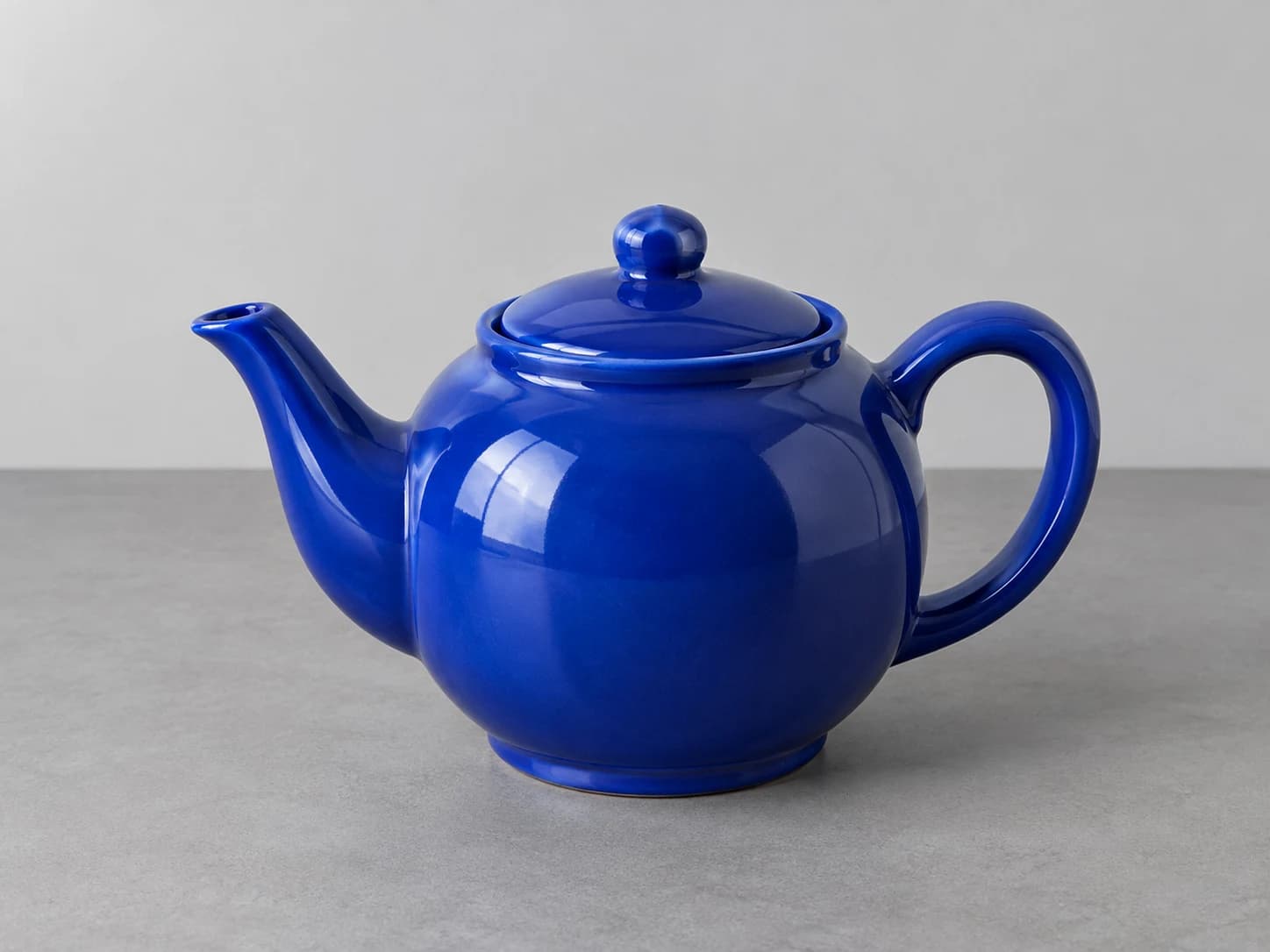
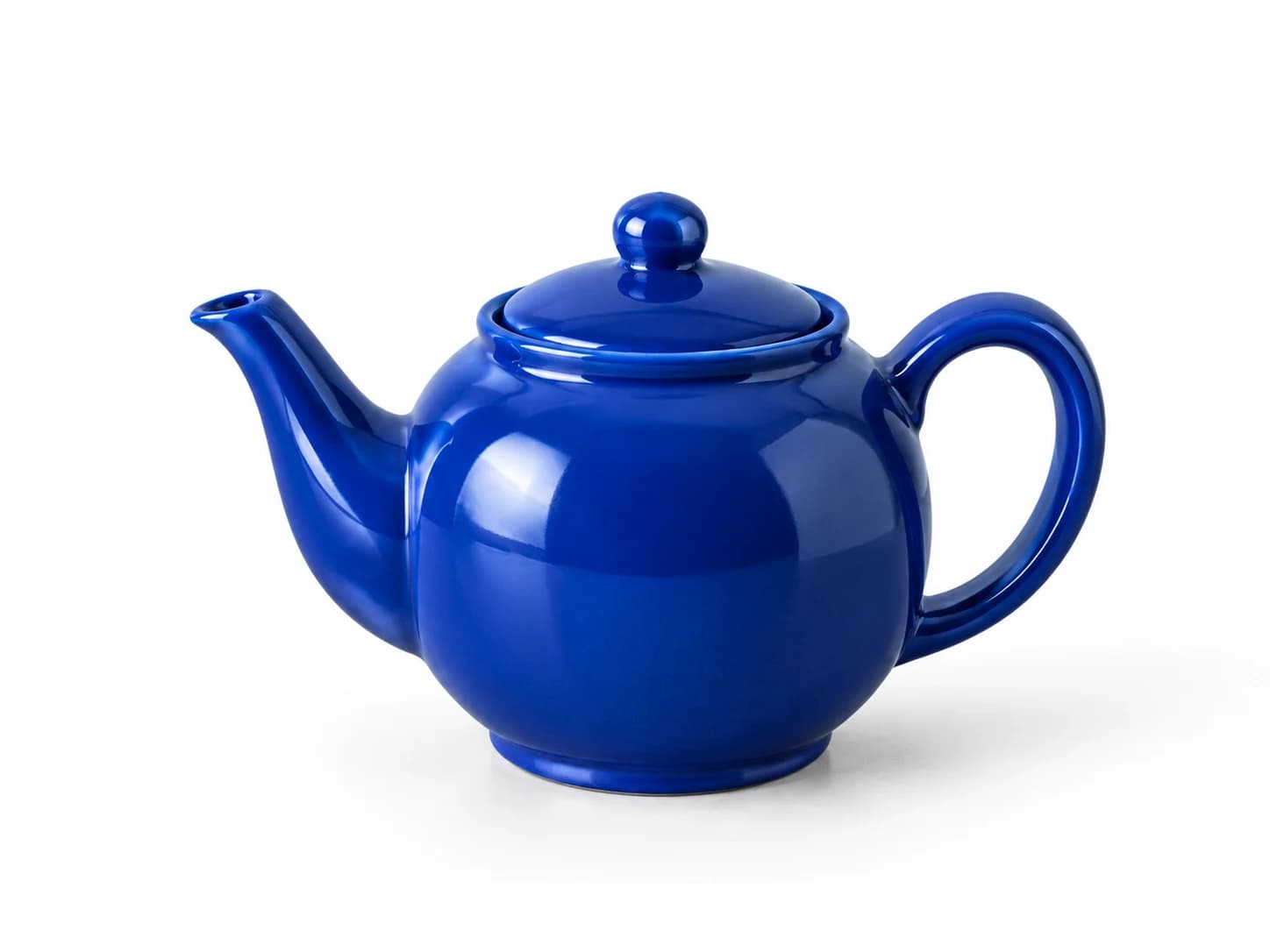
Clean white studio background and surface with one soft grounding shadow. No props.
Both images are AI generated and show a fictional product. This is an illustrative example, not a customer result or product evidence; outcomes vary.
FAQ
What if the generated image changes lettering or a product feature?
Do not use the changed detail as product evidence. Compare with the actual item and use a genuine photo for the feature. A new result may also need review; preservation requests are not guarantees.
Does a decorative accessory mean it is included with the product?
No. An accessory in a generated scene can create that impression without establishing what is included. Prefer a prop-free overview and show actual included components in genuine photos.
Can a studio preview replace real detail photographs?
No. A styled preview may serve as an illustrative overview after review, but take genuine close-ups of your actual item for details buyers need to inspect.